Every 3D printer does the same basic thing: it builds an object from the bottom up, one very thin layer at a time, following a 3D file. Our makers run two kinds of printer. Knowing the difference helps you read a quote and choose well.
1. Filament printers (FDM)
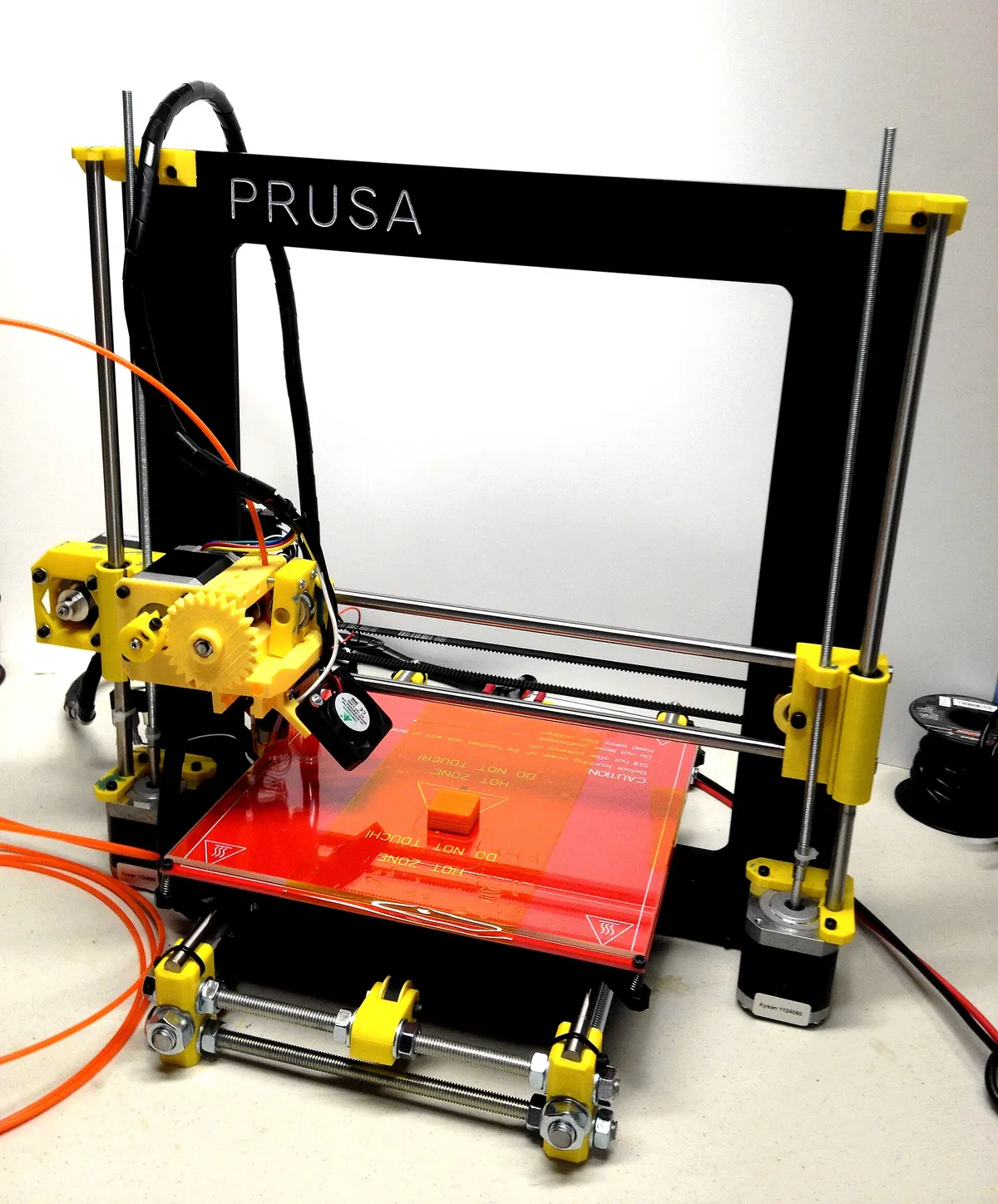 A filament (FDM) printer. The print head moves over the flat bed and lays down plastic. Photo: John Abella, CC BY 2.0, via Wikimedia Commons.
A filament printer pulls a plastic thread off a spool, melts it in a hot nozzle and draws each layer onto a flat bed, like a very steady hot-glue gun. When one layer is done, the nozzle moves up a fraction of a millimetre and draws the next.
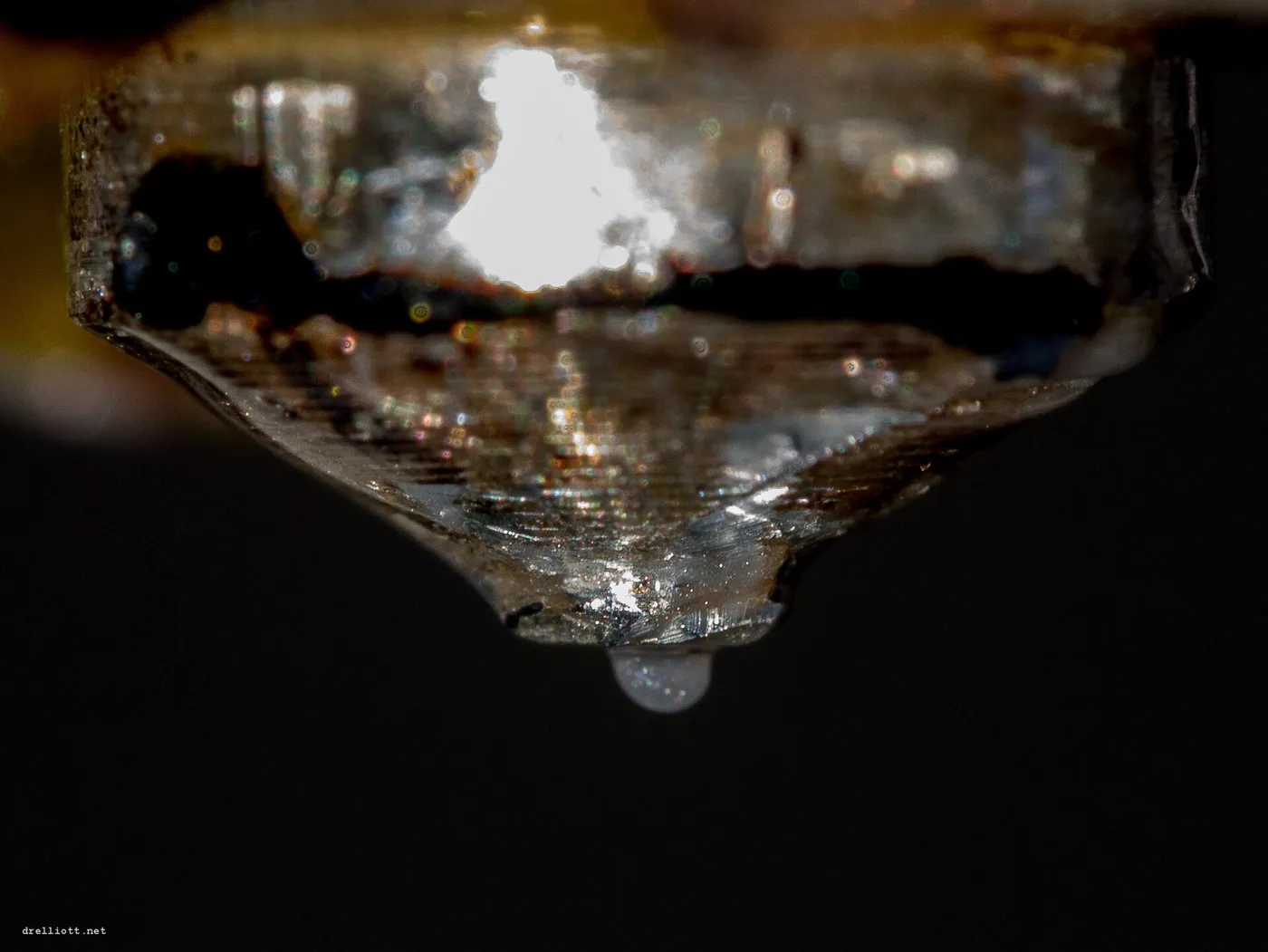 The hot nozzle, about the width of a pencil lead, laying down one line of plastic. Photo: David Elliott, CC BY 2.0, via Wikimedia Commons.
What you get:
- Strong, light, everyday plastic parts, in almost any color.
- Fine layer lines you can see and feel on the surface, a bit like the grain in wood. Thinner layers make them smaller.
- The lowest price per part, and room for big items.
Good for: replacement parts, brackets, cases, organisers, planters, cosplay pieces, large decor, most gifts.
This is the printer behind most orders here, and PLA and PETG are its everyday plastics. See the materials guide.
2. Resin printers (SLA / MSLA)
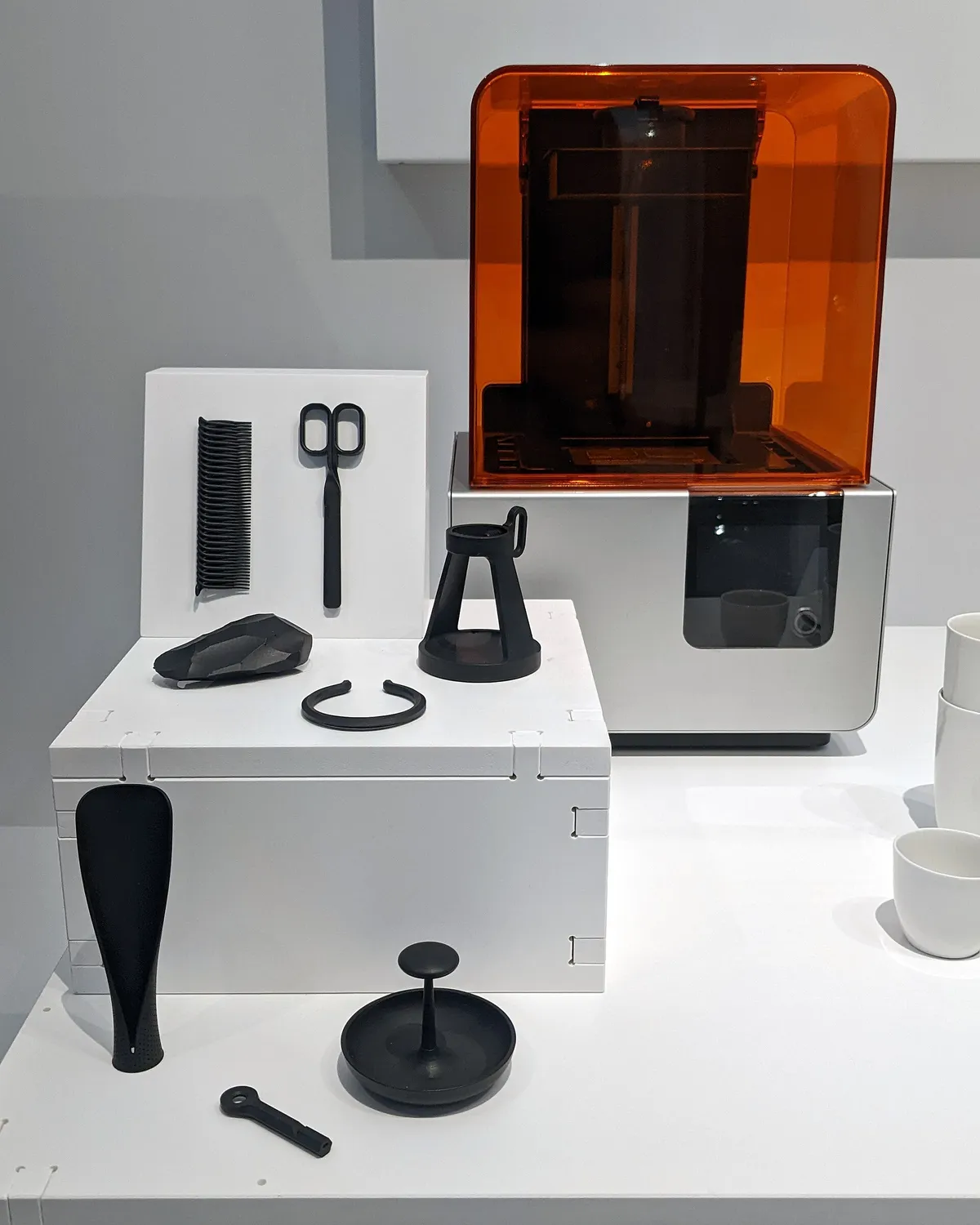 A resin printer and parts printed on it. Photo: The wub, CC BY-SA 4.0, via Wikimedia Commons.
A resin printer holds a shallow tank of liquid resin. A light shines a picture of each layer up through the bottom of the tank, and the resin hardens wherever the light hits. The part is pulled up out of the liquid, upside down, one layer at a time. Afterwards the maker washes it and hardens it fully under UV light.
What you get:
- Very fine detail and smooth surfaces: layer lines are close to invisible.
- Hard, stiff parts. Standard resin can chip or snap if dropped; tougher resins cost more.
- Fewer colors than filament. Grey, black, white and clear are the usual ones.
Good for: miniatures, figurines, faces and small lettering, jewellery models, detailed display pieces.
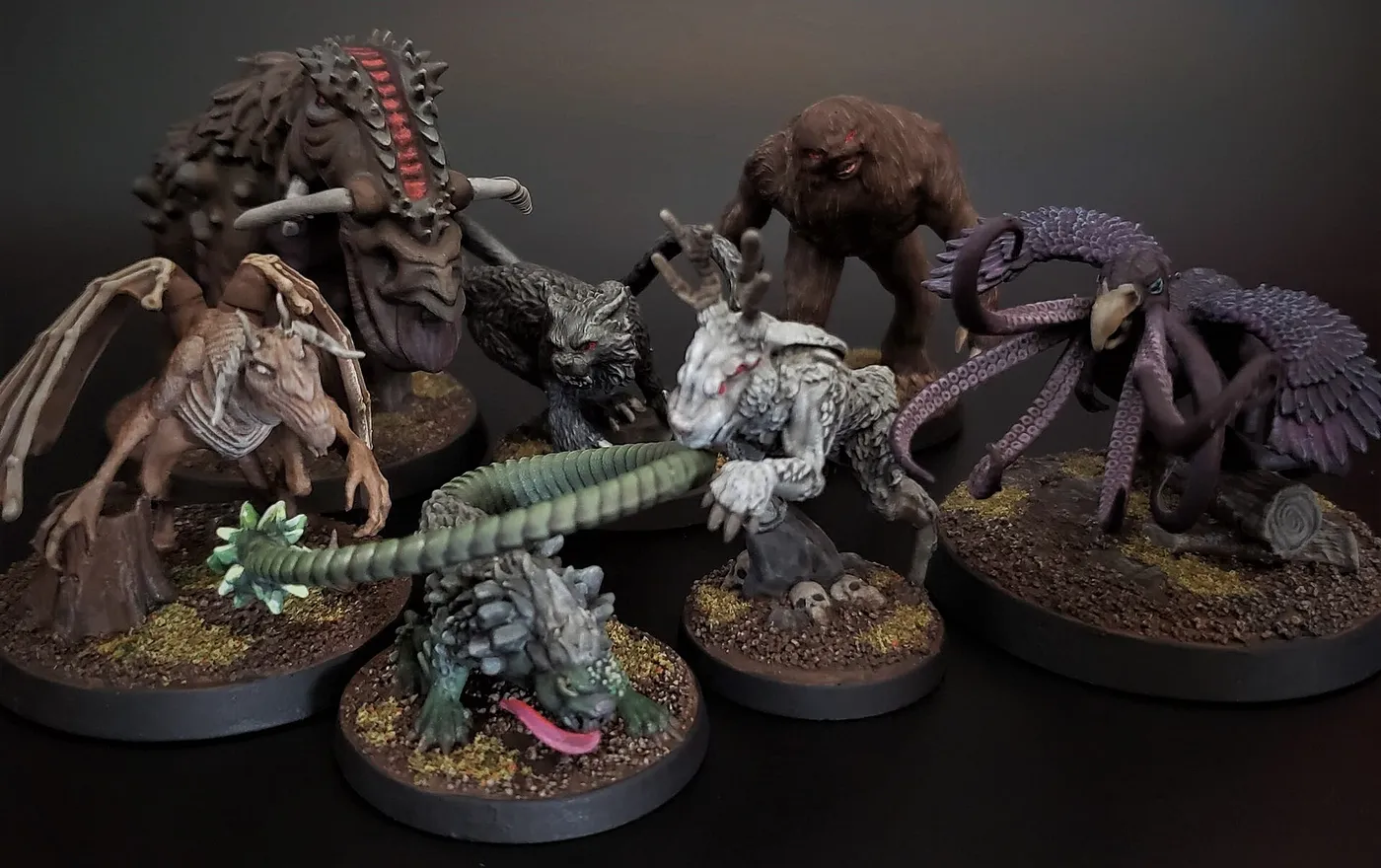 Miniatures like these, with fine sculpted detail, are what resin printers do best. Photo: Dystopiamatt, CC BY-SA 4.0, via Wikimedia Commons.
Which one does my item need?
| If your item… | Usually best on |
|---|---|
| has to be strong, or will be handled every day | Filament |
| is bigger than your hand | Filament |
| needs a particular color | Filament |
| is small with fine detail (faces, lettering, miniatures) | Resin |
| must look smooth with no painting | Resin |
| is a display piece you want painted | Either; ask the maker |
You do not have to decide. Leave the material as "Let a maker recommend" and say what the item is for. Makers suggest the right printer and material in their quote, and you can compare.
What happens inside a print
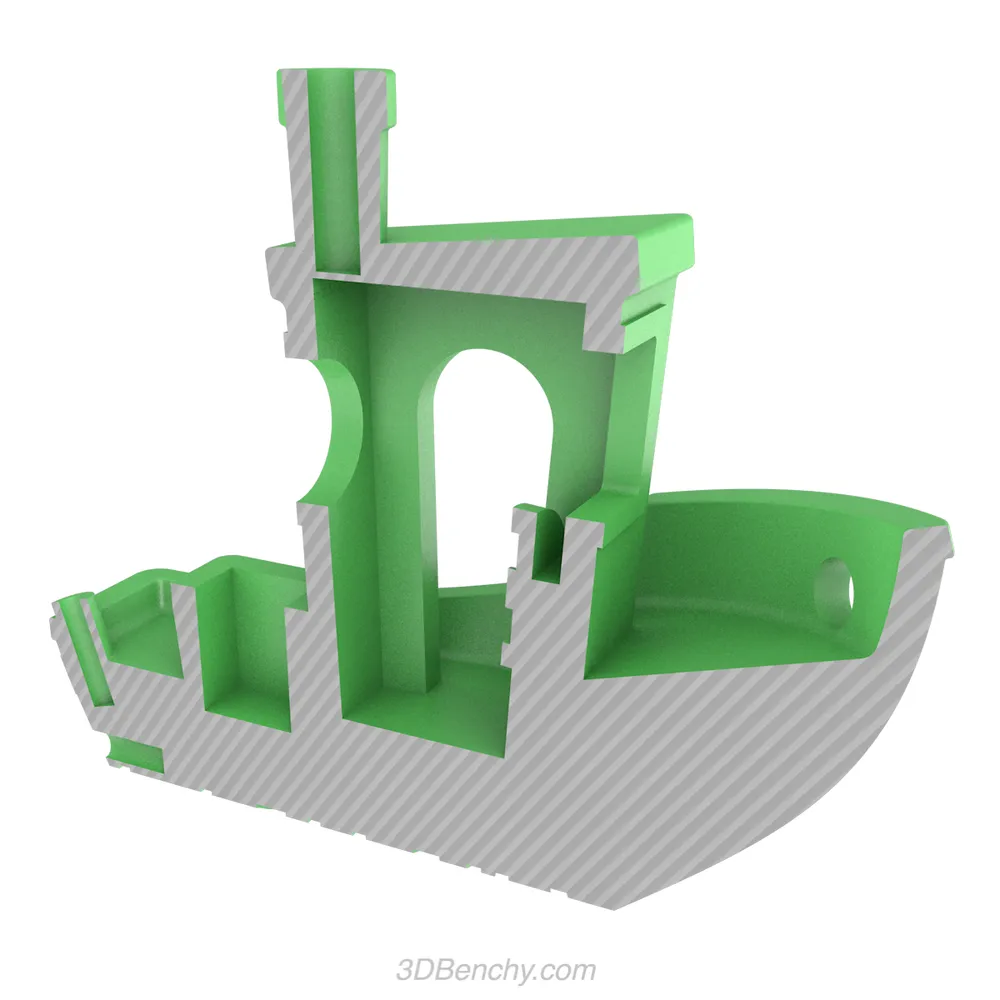 A print cut in half: solid outer walls (grey) and a criss-cross 'infill' inside (green). Image: CreativeTools, 3DBenchy, CC0, via Wikimedia Commons.
Most filament prints are not solid. They have a solid outer skin a few lines thick, and a lightweight criss-cross pattern inside called infill. That is why a print is lighter than you expect, and why it is cheaper: less plastic, less time. For a part that takes load, the maker adds more walls and more infill. For a display piece, less is fine.
When a shape leans out into the air (an outstretched arm, the underside of a shelf), the printer cannot draw on nothing, so it adds supports: thin scaffolding that the maker snaps off afterwards. Supports can leave small marks where they touched.
What we do not offer
Powder printers (SLS, MJF) and metal printing are industrial processes. Our makers run filament and resin printers only, so we do not take those orders. FDM vs SLA vs SLS compares all three if you are researching.
Next
- What can you 3D print?: ideas, and the limits.
- 3D printing words, explained: the terms you will see in a quote.
- Describe what you want and let a maker suggest the rest.